Log in to D2L
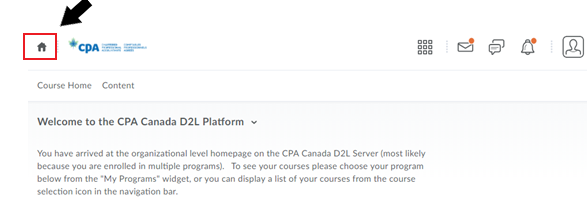
- If you are accessing PERT for the first time, enter https://education.cpacanada.ca/d2l/loginh/ in your browser bar to log in to D2L.
Click on the home icon to see the homepage
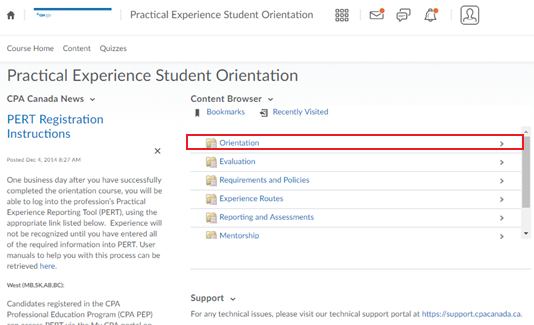
- Scroll down to locate the Practical Experience Student Orientation course
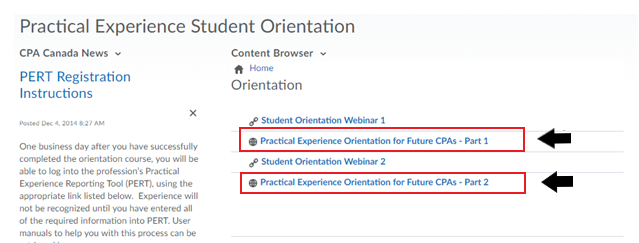
- Once you complete the two-part orientation, you can attempt the quiz.
- Access the quiz through the Evaluation folder
- Achieve a minimum score of 60%
- You have an unlimited number of attempts to complete the quiz
The remaining course content folders contain resources useful to you in establishing your mentoring relationship and in using the profession’s online Practical Experience Reporting Tool (PERT).
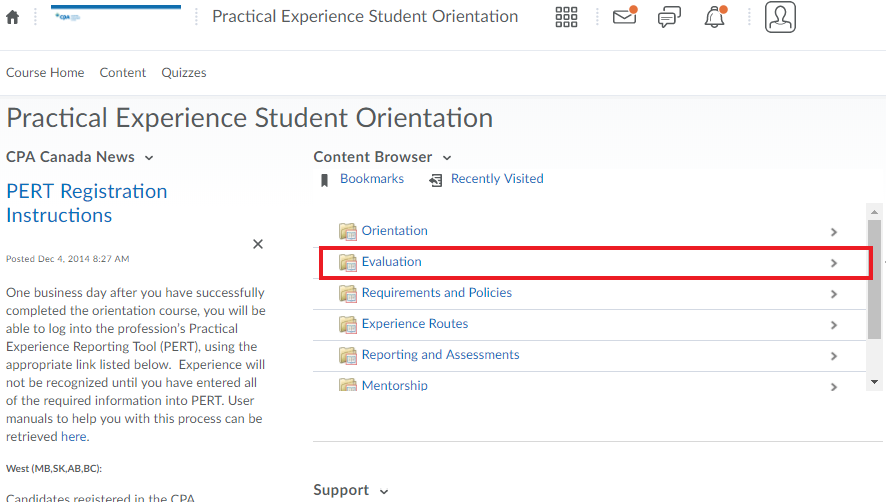
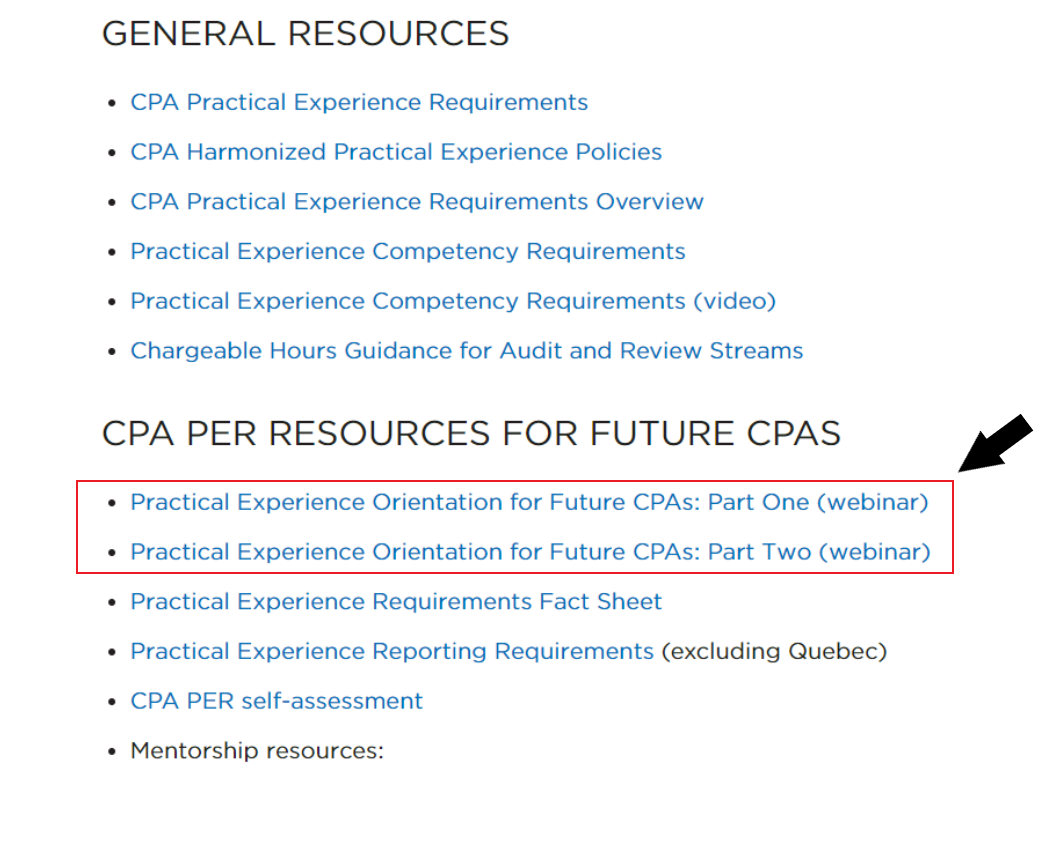
Find PER orientation webinars through the Certification Resource Centre in D2L.
- Go to the D2L Course Homepage (within the specific course)
- Scroll down until you see the Certification Resource Centre link
- This link will take you to CPA Canada's website
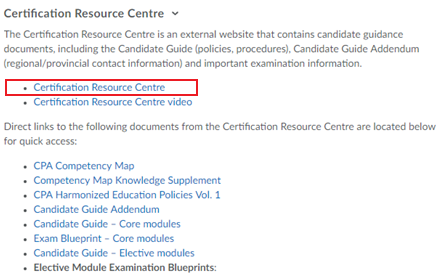
Locate CPA practical experience resources on the CPA Canada website
- On the right-hand menu, click on “Resources for CPA practical experience requirements”
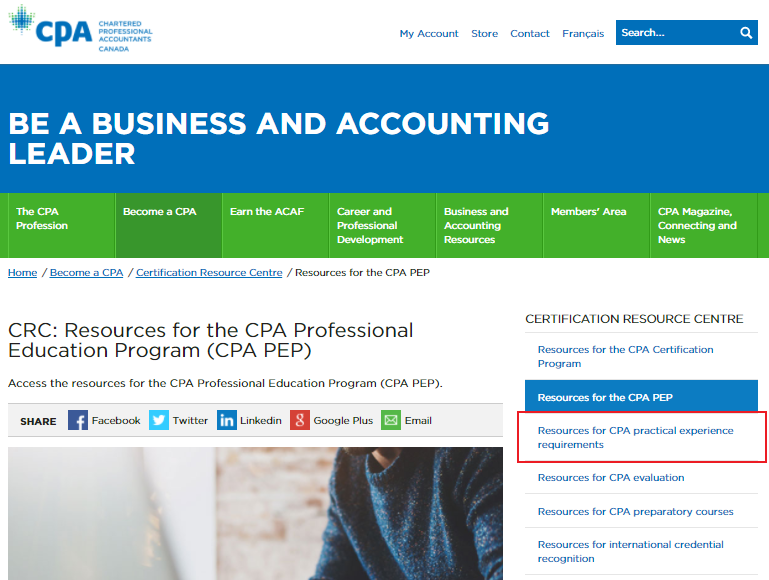
The Certification Resource Centre can also be accessed directly through the CPA Canada website.
To access the Practical Experience Reporting Tool (PERT), log in to My CPA Portal through the CPAWSB website. Refer to the portal access instructions for step-by-step guidance.
Scroll down to CPA PER Resources for Future CPAs and select Practical Experience Orientation for Future CPAs (Parts 1 and 2).