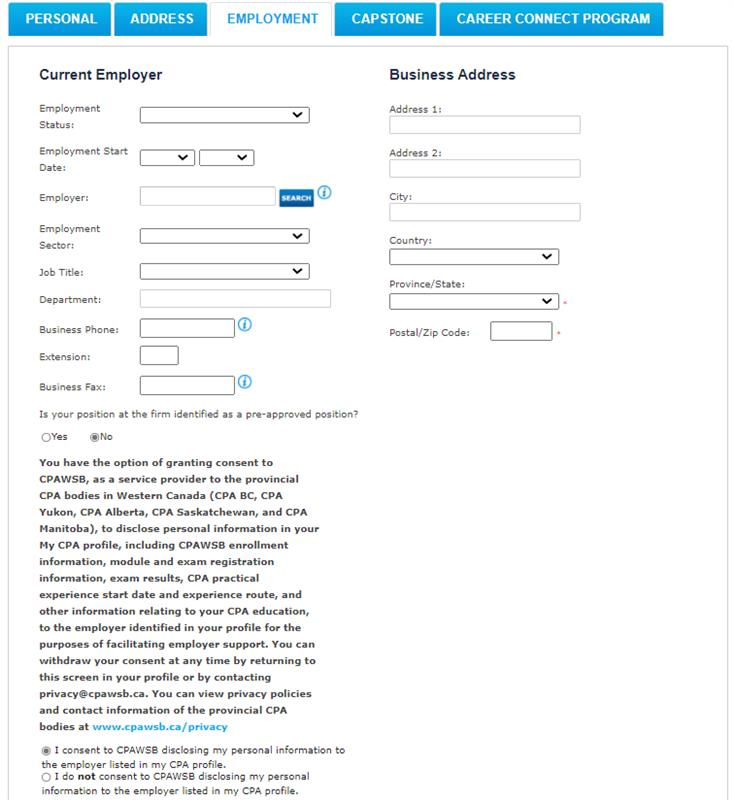
Changing Employment
- Log in to your My CPA profile.
- Select My Profile, then Contact Information.
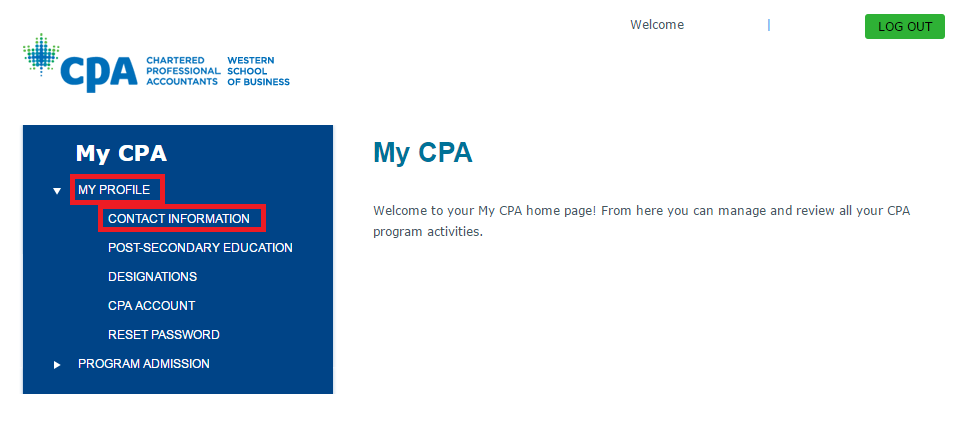
Open the Employment tab.
- Select your employment status from the Employer drop-down menu.
- Enter your business address, if applicable.
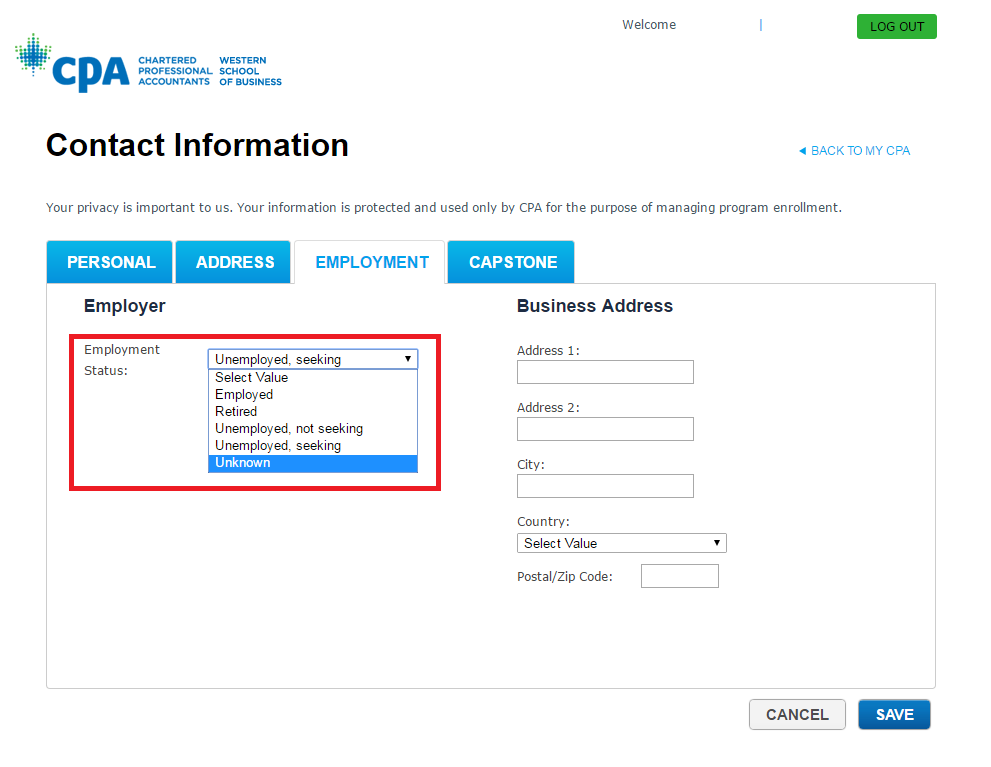
If you select Employed, complete the additional employment fields that appear.
- Use the search function next to the Employer field to find your employer.
- If your employer is not listed, you can add their information manually.
Important: If your employer uses the Employer Portal to view your module results, be sure to provide consent by selecting the checkbox at the bottom of the page. If you are unsure whether your employer uses the Employer Portal, speak with your employer or contact CPAWSB for assistance.