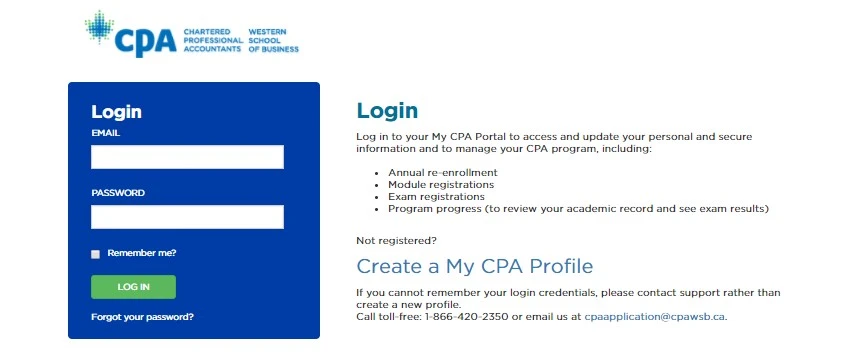
- Go to My CPA Portal and sign in using your credentials.
- Complete your login by entering your credentials.
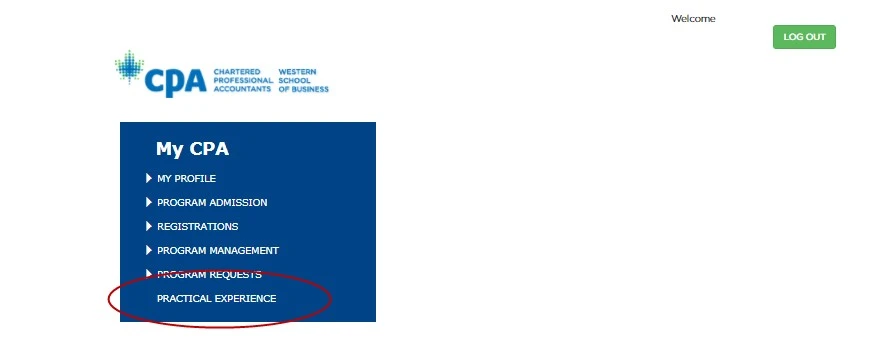
Once you log in to the portal, you will see the screen below. Click on Practical Experience.
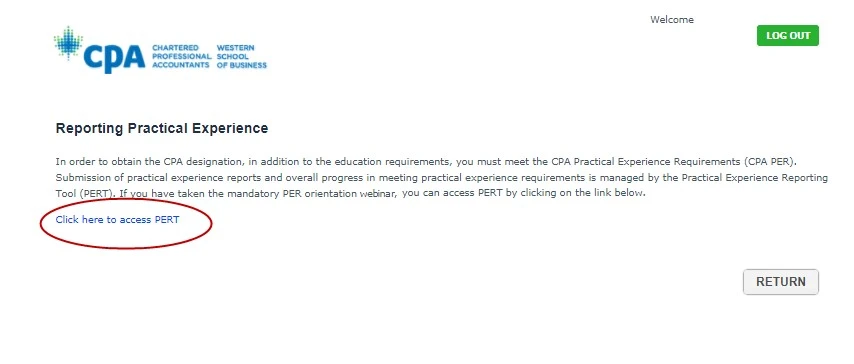
On the Reporting Practical Experience page, select Click here to access PERT. You will be taken directly to PERT and will not need to enter additional login credentials.
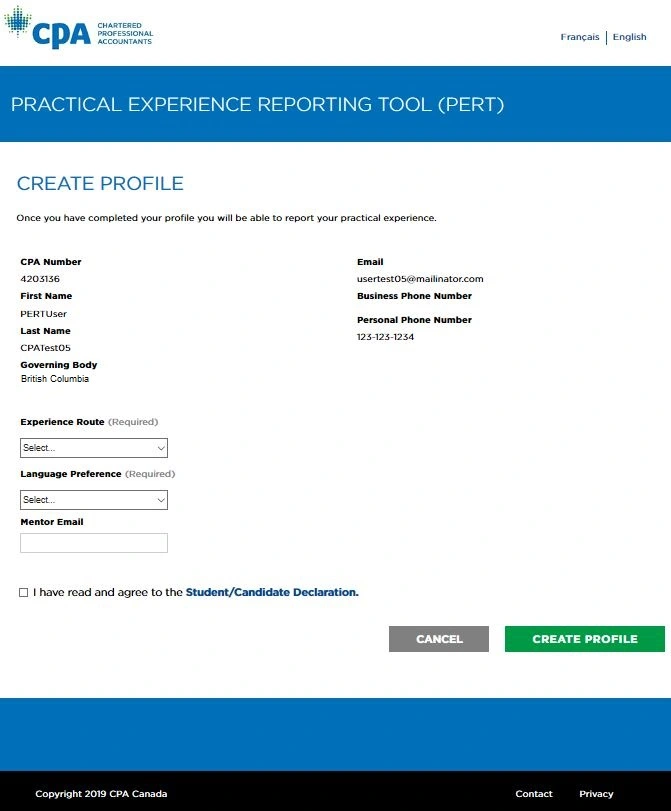
The first time you access PERT, you will need to complete the Create Profile section.
Although some information is transferred from your My CPA Profile, additional information is required before your PERT profile can be completed.
Resources for International Designations and MOUs

Practical Experience Questions
For questions about PERT, practical experience requirements and experience reporting, please contact the Practical Experience Team in your province or territory.